+91-98558-85133
 +1(702)760-3099

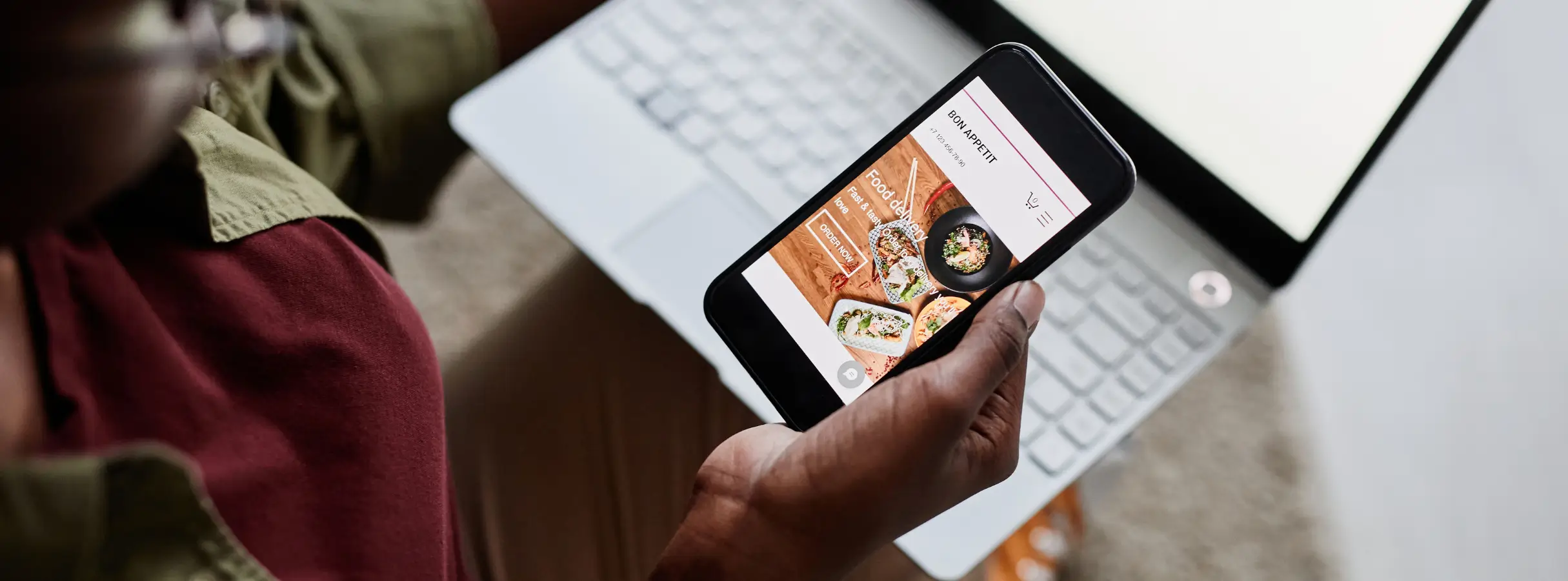
The food delivery industry has seen a tremendous surge in recent years, and with the ever-growing demand for convenient meal options, food delivery app development in 2024 can be a lucrative venture. In this comprehensive guide, we'll show you how to create your very own food delivery app using Bubble, a no-code platform known for its simplicity and power. Whether you're an entrepreneur looking to start your own food delivery business or a developer exploring new tools, read on to discover how to bring your food delivery app idea to life.
Understanding the No-Code Advantage
No-code platforms like Bubble have revolutionized food delivery app development by enabling individuals with little coding experience to create sophisticated applications. This approach significantly reduces development time and costs, making it an ideal choice for aspiring entrepreneurs and small businesses.
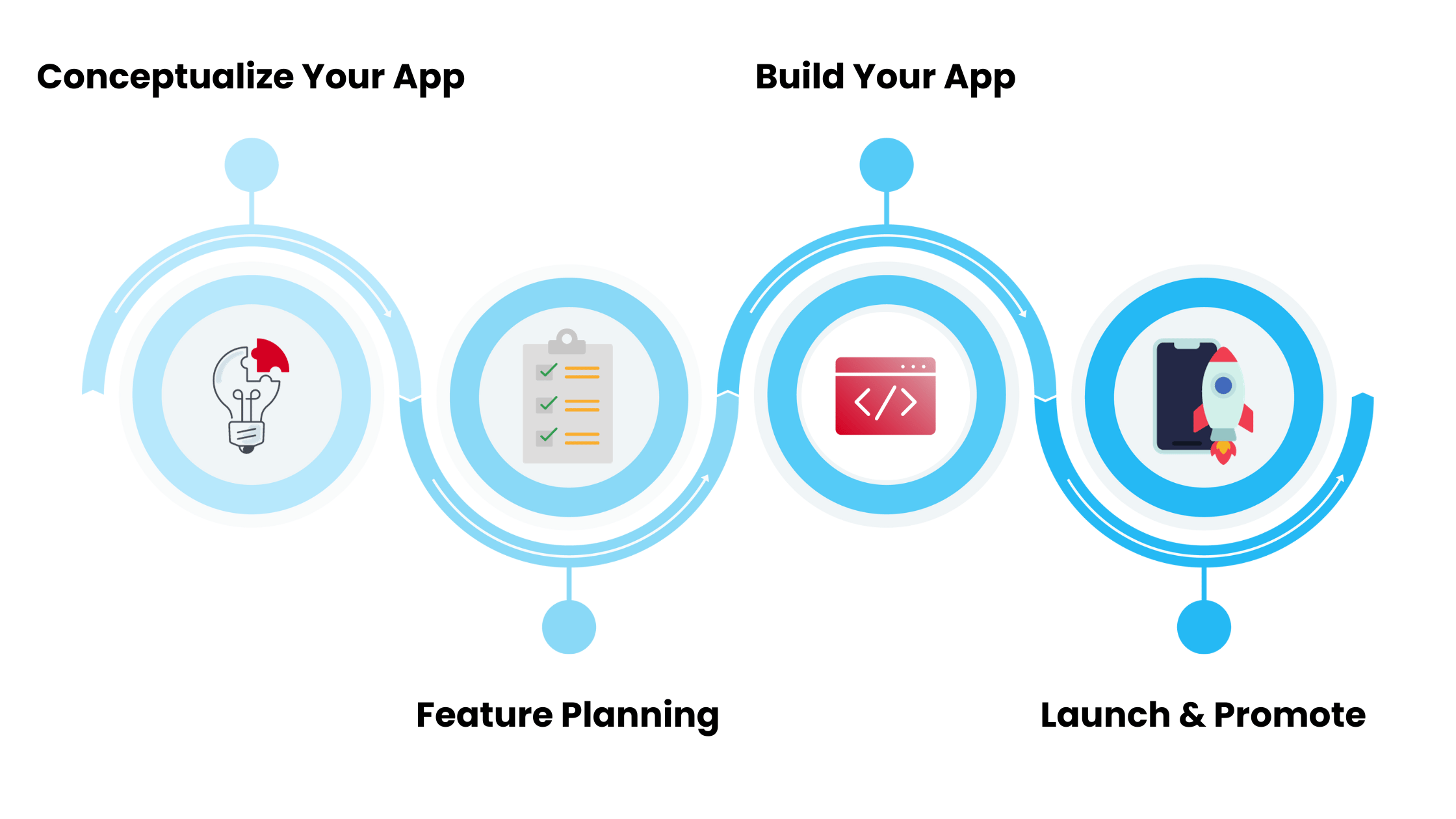
Step 1: Define Your Food Delivery App Concept
Before developing, you must clearly understand your food delivery app. Decide on your niche, target audience, and unique selling points. Are you focusing on a particular cuisine type, health-conscious options, or quick delivery times? Understanding your app's purpose will guide your development process.
Step 2: Plan Your App’s Features
List down the essential features your food delivery app should have:
- User Registration and Login
Implement secure user registration and login functionality.
- Restaurant Listings
Create a database of partner restaurants, including their menus, images, and descriptions.
- Ordering System
This allows users to browse menus, add items to their cart, and place orders.
- Payment Integration
Integrate payment gateways for seamless transactions.
- Real-time Tracking
Provide order tracking to keep users informed about their delivery status.
- Reviews and Ratings
Customers can leave reviews and rate their dining experience.
- User Profiles
This allows users to manage their profiles, addresses, and order history.
- Push Notifications
Implement push notifications to keep users engaged and informed about promotions and order updates.
Step 3: Create Your Bubble App
Now, let's get into the practical steps of building your food delivery app using Bubble:
- Sign Up for Bubble
Go to Bubble's website and create an account.
- Create Your Data Structure
Set up your database structure to include tables for users, restaurants, menus, orders, reviews, and more. Define relationships between these tables as needed.
- Design Your App
Use Bubble's drag-and-drop visual editor to design the app's user interface. Create pages for restaurant listings, menu browsing, cart management, user profiles, and order tracking.
- Build Workflows
Define workflows for user registration, order placement, payment processing, and more. Bubble's workflow builder makes it easy to create logic for your app.
- Implement Real-Time Features
Set up real-time features like order tracking and push notifications using Bubble's native capabilities.
- Test Your App
Thoroughly test your app to ensure all features work as expected. Test the ordering process, payment processing, and user experience.
Step 4: Launch and Promote Your Food Delivery App
Once your food delivery app is ready, it's time to launch it in the market. Here are some key steps for launching and promoting your app:
- Submit to App Stores
Publish your app on the Apple App Store and Google Play Store.
- Marketing and Promotion
Develop a marketing strategy that includes social media marketing, email marketing, and partnerships with local restaurants.
- User Support
Provide excellent customer support to address user queries and concerns.
- Gather Feedback
Encourage users to provide feedback and use this input to make necessary improvements.
Conclusion
Building a food delivery app in 2024 using Bubble is an accessible and rewarding endeavor. With no-code development, you can bring your app idea to life without extensive coding knowledge. By carefully planning your concept, features, and user experience, and by utilizing Bubble's powerful tools, you can create a food delivery app that meets the needs of hungry customers and establishes your presence in the booming food delivery industry. Start today and turn your vision into a reality!